
Welcome to Jarir!



Your Short Address is an 8-character code (e.g., RAGI2929) required for domestic and international shipments. Use any of the following methods to retrieve it:
Method 1
SPL (Saudi Post) Online
The most direct way to see your full National Address details.
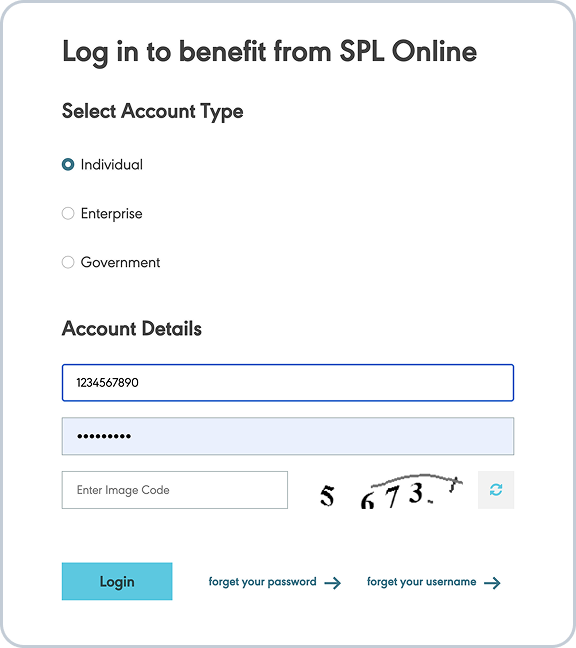
- 1 Log in to SPL Online using your National Single Sign-On (Nafath).Click here To login
- 2 Open the SPL Online app and tap on 'National Address'.
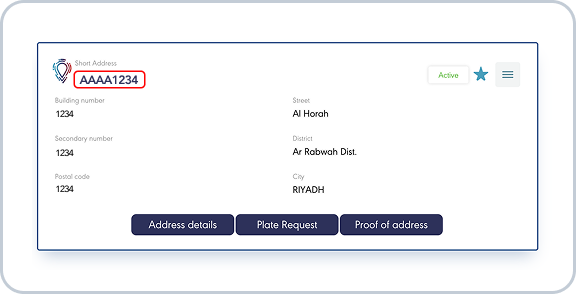
- 3 Your short address is displayed at the top of your registered address card.

Method 2
Tawakkalna Services App
The most convenient way to access official documents.
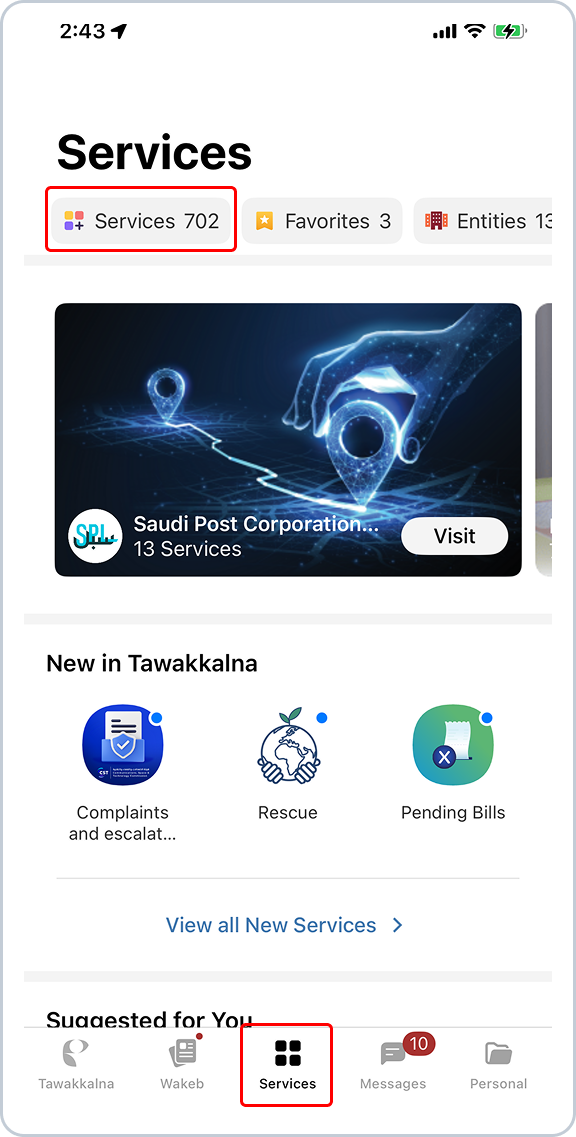
- 1 Open the Tawakkalna Services app.
- 2 Go to the 'My Services' tab.
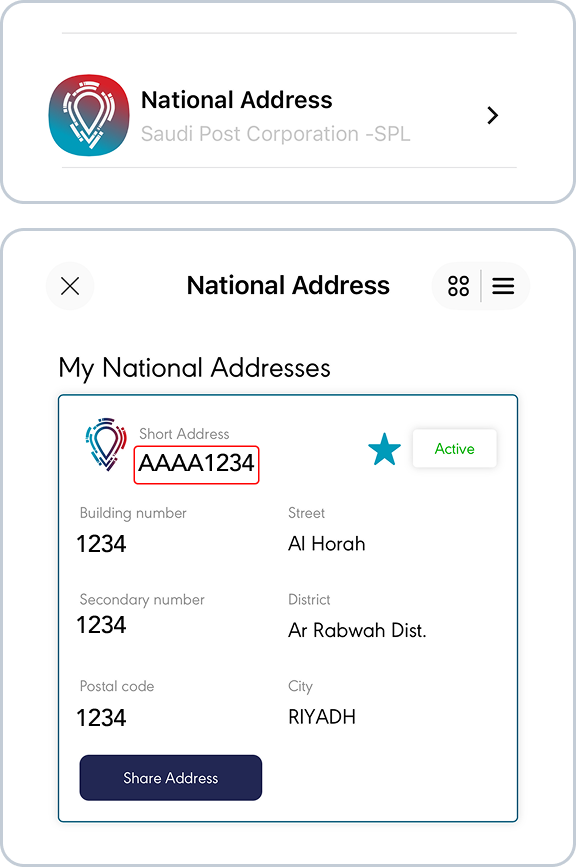
- 3 Select 'National Address' to view your 8-character short code.
Method 3
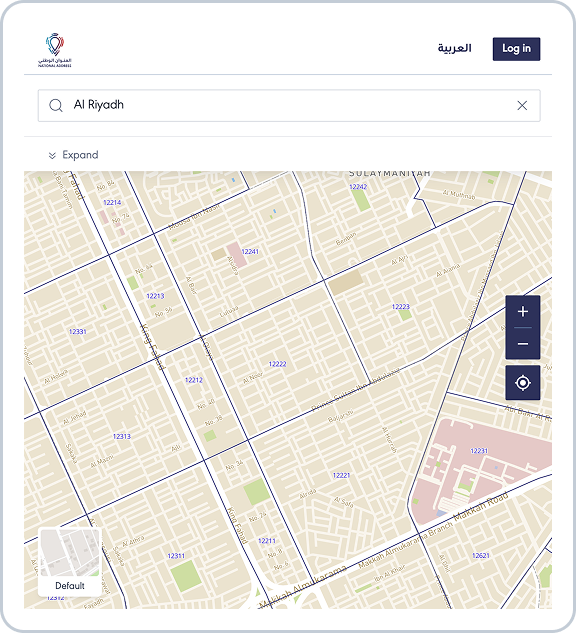
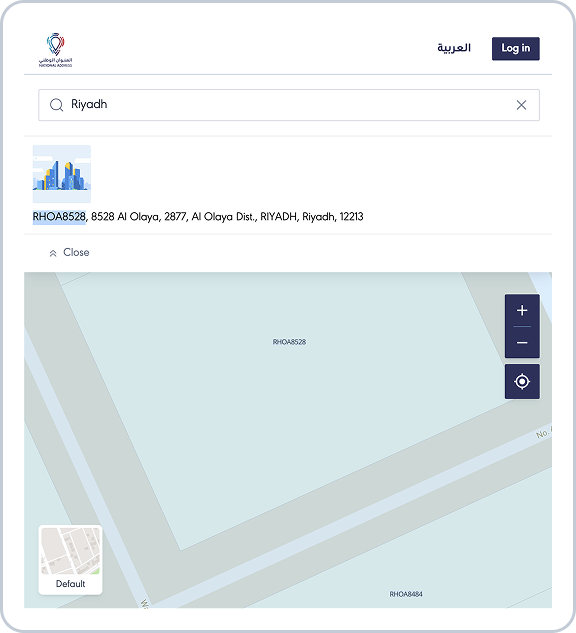
SPL Digital Map
Find a code for any specific building without logging in.
- 1 Visit the National Address Maps website, Click here
- 2 Search for your location or zoom in to find your building.
- 3 Click on the building to see the Short Address in the details box.
Note Look for the green or metallic National Address plate near your building's entrance to find your 4-digit Building Number.